Speed Test
- Go to: https://support.bell.ca/internet/internet-speed-test
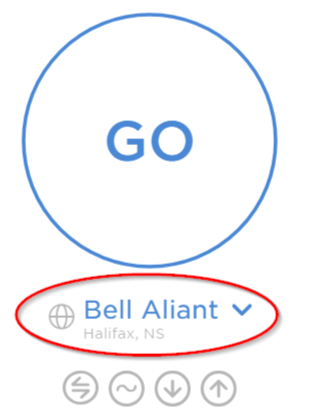
- Once the page loads, click the line under the GO button (circled in red below).
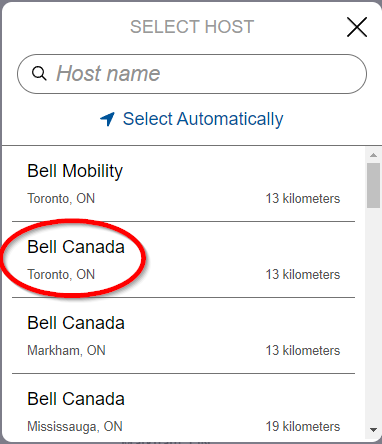
- In the box that pops up, click on “Bell Canada, Toronto, ON“. The list is long, if you don’t see it, you may need to scroll down.
- Click on the button that says “Go” in the middle of the screen.

- The test will now run. It will take a few minutes to complete. Once it is done you should see results that look like this:
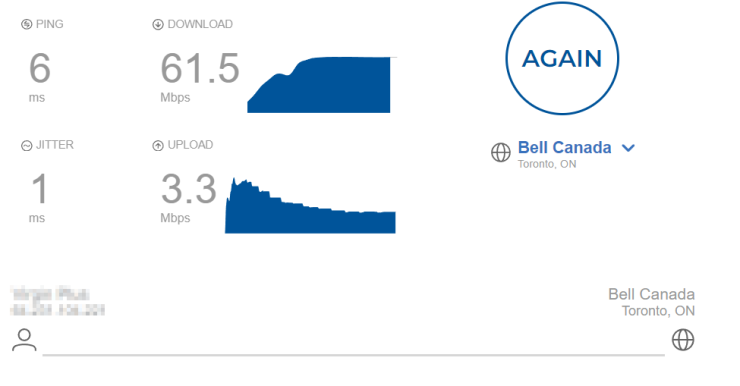
- Please send us the results by either taking a screenshot, a photo, copying and pasting, or typing them out. Send the email to: speedtestresults@imkgp.com.


