Help Desk 2FA Move Token
From iMarketing
Revision as of 19:13, 5 July 2024 by
Wikiadmin
(
talk
|
contribs
)
(
diff
)
← Older revision
|
Latest revision
(
diff
) |
Newer revision →
(
diff
)
Jump to navigation
Jump to search
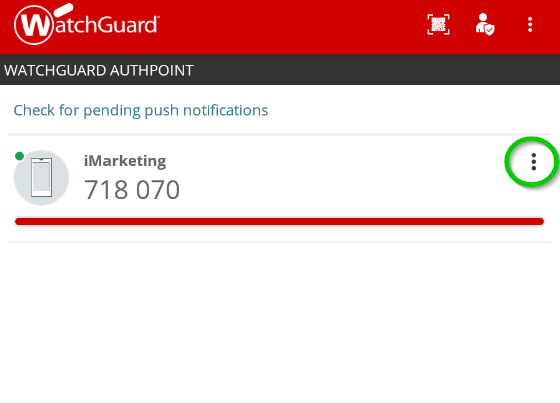
Open WatchGuard AuthPoint on your mobile device, and click the menu icon (the 3 dots circled in green) next to the token you want to move.
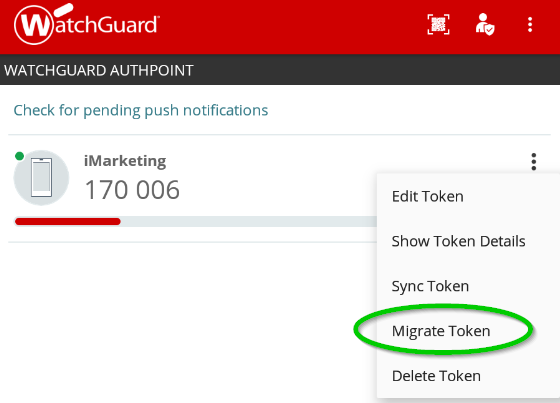
Push the Migrate Token option on the menu.
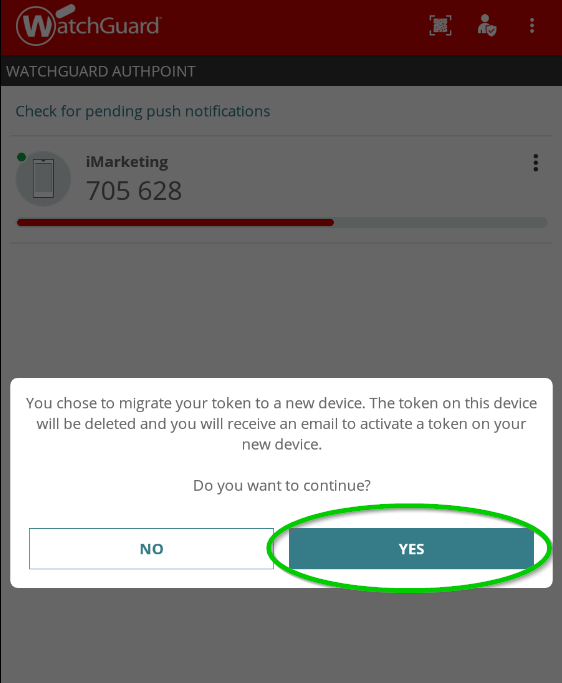
Press the Yes button.
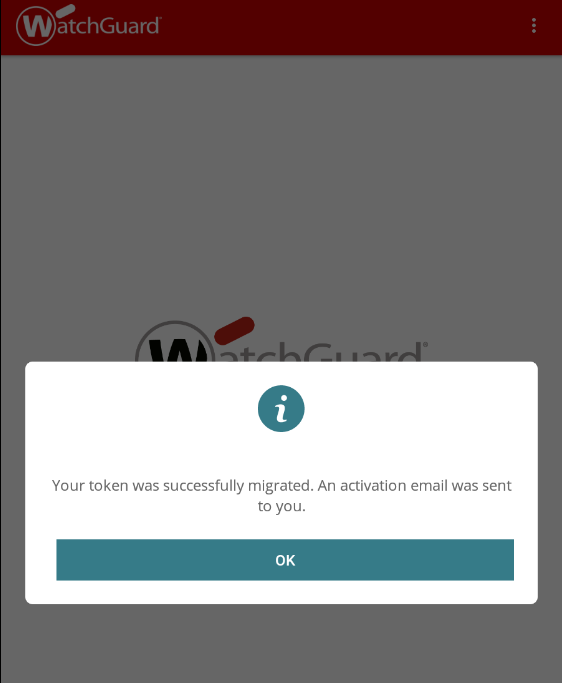
The token will be deleted and an email will be sent to setup the token on a new device.
Navigation menu
Personal tools
Log in
Namespaces
Page
Discussion
English
Views
Read
View source
View history
More
Search
Navigation
Main page
Shift Start Checklist
Provision Softphone
No Audio
Dial Call Failed
Tools
What links here
Related changes
Special pages
Printable version
Permanent link
Page information