Help Desk 2FA Setup
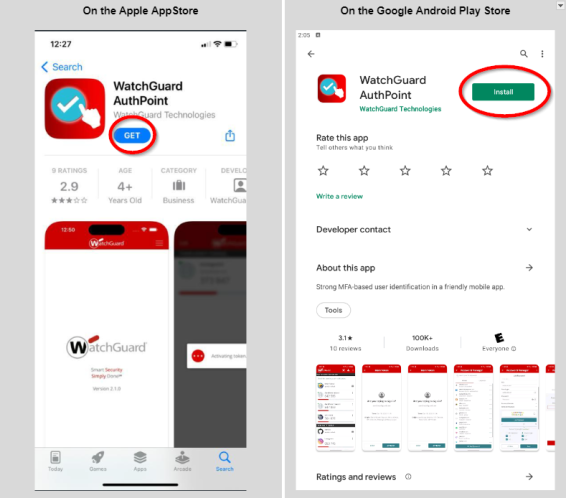
- Download the the free WatchGuard AuthPoint application.
- Go to the Google Play Store or the Apple App Store and search for Watchguard AuthPoint.
- If you have an Apple phone, click the blue GET button and wait for the app to install.
- If you have an Android phone, click the green Install button and wait for the app to install.
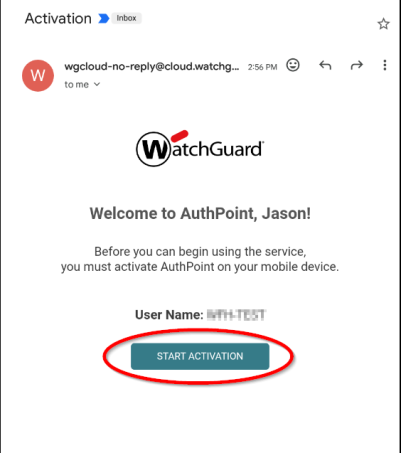
- Find the email from WatchGuard, open it and click on the Start Activation button.