Help Desk 2FA Move Token
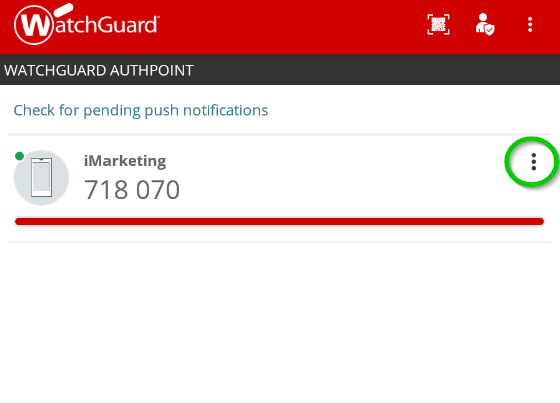
- Open WatchGuard AuthPoint on your mobile device, and click the menu icon (the 3 dots circled in green) next to the token you want to move.
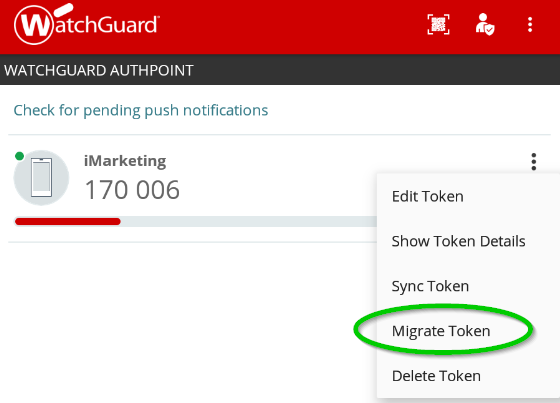
- Push the Migrate Token option on the menu.
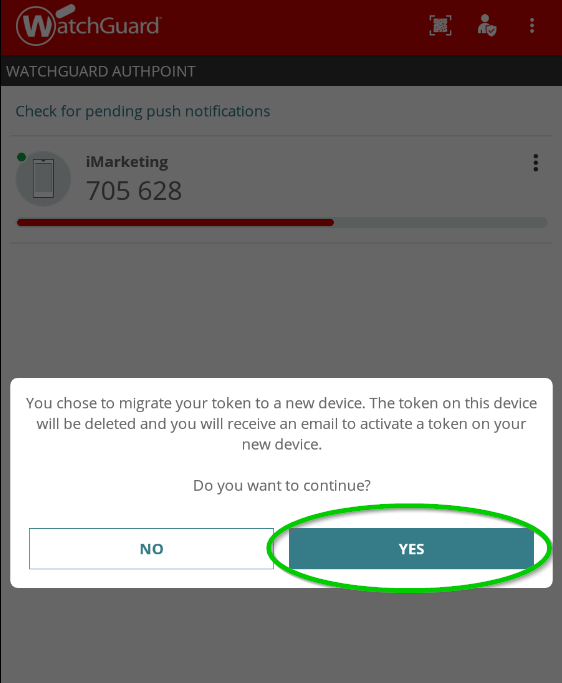
- Press the Yes button.
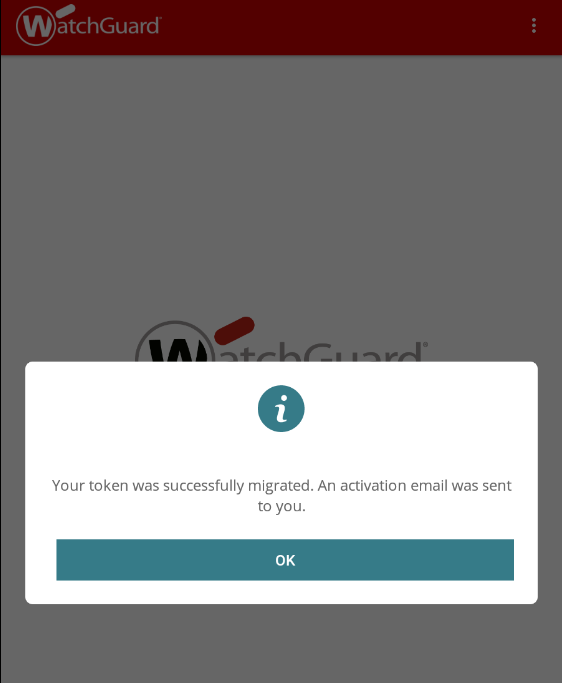
- The token will be deleted and an email will be sent to setup the token on a new device.